
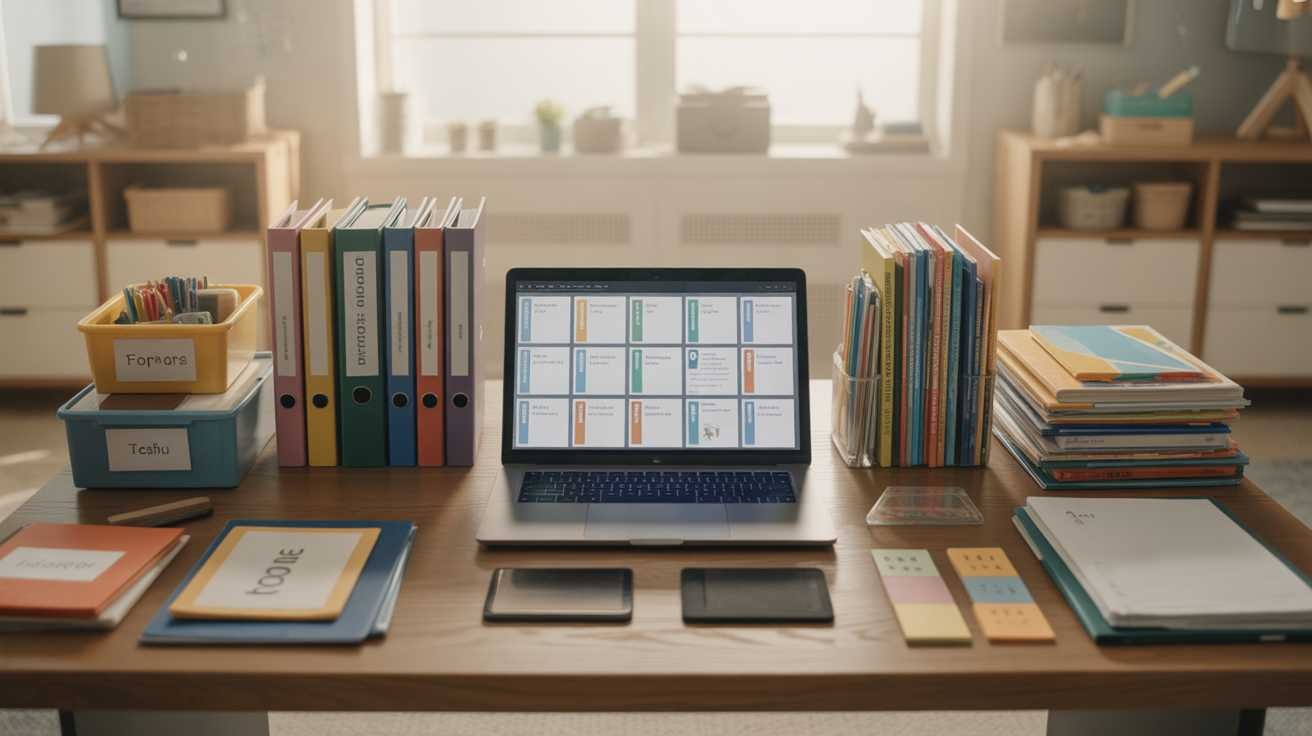
Imagine the weight of a growing stack of papers, files, and folders – each representing hours of work, endless lessons, and precious moments. If you’re a teacher, this is probably all too familiar. But here’s the thing: you don’t have to feel overwhelmed anymore. With the right strategies, you can bring order to the chaos, and more importantly, protect your data with critical steps like implementing GDPR in education. Whether you’re teaching in a classroom or virtually, organizing your materials efficiently is no longer optional – it’s an urgent need. The clock is ticking, and the future of education is evolving fast. Keep reading to discover how to streamline your workflow and ensure that your materials are as secure and effective as they are organized.
1. Embrace Digital Organization to Stay Ahead
We live in an era where digital organization is no longer a luxury – it’s an absolute necessity. Think about it: the sheer volume of materials we create and access on a daily basis is staggering. Worksheets, lesson plans, presentations, videos, and assessments – all these are critical components of your teaching toolkit. Without a clear and accessible system, they can easily become a disorganized, cluttered mess. Now, add to this the need to comply with data protection laws like GDPR in education, and the stakes are even higher. Digital tools like Google Drive, Microsoft OneDrive, and Dropbox allow you to store your materials securely, but there’s more to it than simply uploading files to the cloud. By structuring your folders, tagging files, and using file naming conventions, you can transform your digital space into a highly efficient and navigable ecosystem. This will not only help you locate materials quickly but will also give you peace of mind knowing your resources are safe and compliant with regulations like GDPR.
2. Organizing Physical Teaching Materials: The Basics
While digital tools take the spotlight in today’s education landscape, don’t underestimate the importance of organizing physical materials effectively. Imagine walking into your classroom and instantly knowing where to find that one crucial worksheet or set of notes you need. It’s possible – if you take the time to set up a physical filing system that works for you. Use color-coded folders, binders, or filing cabinets that align with the subjects you teach. For instance, if you’re teaching science, math, and English, create separate sections in your filing cabinet for each subject, then further divide them by lesson, date, or topic. The more structured and systematic you are, the easier it will be to access physical materials when you need them most. Don’t forget about physical security too – store sensitive documents, particularly those containing student data, in locked cabinets to ensure compliance with GDPR guidelines. Physical organization is a powerful tool, but it must go hand in hand with digital organization for maximum efficiency.
3. Securely Storing Student Data: GDPR and Compliance
Speaking of sensitive materials, there is perhaps no greater concern than the protection of student data. This is where GDPR in education plays a pivotal role. The GDPR (General Data Protection Regulation) mandates strict rules on how personal data is collected, stored, and processed. If you’re handling student information – whether it’s grades, assessments, personal details, or behavioral records – you must be diligent in keeping that data secure and compliant. It’s not just a matter of legal obligation; it’s a matter of trust. Parents, students, and the broader community expect that their data is handled with the utmost care. Take steps to securely store physical and digital student records, use password protection for sensitive digital files, and regularly update your systems to guard against breaches. Ignoring GDPR could result in severe penalties and damage your reputation, so don’t take any chances. Your commitment to compliance and security will speak volumes about your professionalism and dedication.
4. Automating the Organization Process
If you’ve ever felt like there’s just not enough time in the day, you’re not alone. Between lesson planning, grading, meetings, and more, the workload can feel overwhelming. But what if you could automate certain aspects of organizing your materials? Automation tools are a game-changer for busy educators. Imagine a world where your lesson plans are automatically updated, your documents are backed up without you having to lift a finger, and your calendar syncs seamlessly with your to-do lists. Tools like Trello, Google Classroom, and even Zapier allow you to create workflows that save you time and mental energy. For example, you could automate the process of uploading new lesson plans to your shared folders, tagging them appropriately, and ensuring they’re organized by topic. By freeing up time with automation, you can focus on what matters most – teaching. Don’t wait for the chaos to catch up to you. Implement automation now to streamline your teaching processes and reduce the stress of constant organization.
5. Streamlining Digital Tools for Efficiency
When it comes to managing your digital teaching materials, more isn’t always better. It’s easy to get caught up in using multiple apps and tools, but the result is often a fragmented system that’s hard to navigate. Instead of adding tool after tool to your digital arsenal, focus on streamlining your resources to use the most effective platforms. Google Drive, for example, integrates seamlessly with Google Classroom, making it easier to share files, track student progress, and collaborate on projects. Similarly, learning management systems (LMS) like Moodle or Canvas provide an all-in-one solution for organizing assignments, tracking grades, and managing course materials. Take the time to evaluate which digital tools you truly need and consolidate them into a cohesive system. The fewer tools you use, the easier it will be to keep everything organized, accessible, and secure – especially when it comes to complying with GDPR regulations.
6. Creating a Workflow for Collaborative Projects
In today’s interconnected educational world, collaboration is essential. Whether you’re working with colleagues, students, or parents, maintaining an organized workflow is key to success. When you’re planning collaborative projects or group work, you need a system that allows everyone involved to contribute efficiently and securely. Create shared folders where documents can be uploaded, edited, and commented on in real-time. Platforms like Google Docs, Microsoft Teams, and Slack allow for seamless collaboration and communication. However, don’t overlook the need to maintain data security and GDPR compliance when sharing materials with others. Always use encrypted communication channels, and ensure that only authorized users have access to sensitive information. By setting up a streamlined and secure collaboration workflow, you’ll save time, reduce errors, and increase productivity. The future of education relies on collaboration, and staying organized will give you a competitive edge.
7. Keeping Track of Resources for Future Use
One of the greatest challenges educators face is the ongoing need to keep track of resources for future use. Whether it’s a new teaching strategy you want to revisit or an excellent worksheet that worked well in a past lesson, having a system in place to track and store these materials for easy access later is crucial. Tagging documents with specific keywords, using categorized folders, and creating a resource inventory list are all powerful tools for ensuring that you can find past resources quickly. But what if you could take it a step further? By using software like Evernote or Notion, you can create dynamic and searchable databases of teaching resources that are tagged, categorized, and easy to navigate. These digital notebooks make it easier to keep track of everything, from lesson ideas to grading rubrics, and ensure that you can use them again when needed. The best part? With these tools, you’ll never waste time scrambling for resources ever again.
8. Avoiding the Pitfalls of Disorganization
Disorganization is a silent killer of productivity. You know the feeling – the frustration of not being able to find that one document, or the stress of sorting through a cluttered workspace just to track down a single file. It’s a constant drain on your energy and focus. In the world of education, where time is always in short supply, disorganization can be the difference between success and failure. To avoid these pitfalls, take proactive steps to maintain order in both your physical and digital spaces. Regularly declutter your files, keep your workspace tidy, and set aside time each week to reorganize materials as needed. A small investment of time each week can save hours of frustration down the line. Plus, the more organized you are, the more confident you’ll feel in your ability to meet the demands of teaching, especially in a fast-paced world where technology and data protection laws like GDPR are ever-present.
Incorporating real-world materials into classroom activities can significantly enrich the learning experience for students. By exploring famous educational techniques, educators can create engaging lessons that connect theoretical concepts to practical applications.